 First Thing
Why didn't my alarm go off? Every Android cause, and the fix
The short answer
On Android, an alarm usually fails for one of six reasons: the alarm volume was at zero, Do Not Disturb was blocking alarms, battery saving closed the alarm app, the app lost its "Alarms & reminders" permission, the app was force-stopped, or the phone restarted overnight and the app couldn't run until you unlocked it. Each takes under a minute to check.
The six checks, in order
Start at the top. The first two affect every alarm app, including the one that came with your phone.
Is the alarm volume turned up?
Android keeps a separate volume for alarms. Turning your ringer down doesn't change it, but turning the alarm slider down by accident does.
Fix: Settings › Sound › Alarm volume. Press a volume button and open the sliders to see it at a glance.
Is Do Not Disturb letting alarms through?
Alarms are allowed through Do Not Disturb by default, but the setting can be switched off, and Bedtime or sleep modes can use their own rules.
Fix: Settings › Notifications › Do Not Disturb › Alarms and other interruptions › Alarms on. Check your Bedtime mode too.
Is battery saving putting the app to sleep?
Some phone makers close apps they think you aren't using. It's the most common cause with alarm apps you've downloaded, and the setting has a different name on every brand.
Fix: set the app's battery use to Unrestricted. See the table below for where that lives on your phone.
Does the app still have "Alarms & reminders"?
Since Android 12, an app needs this permission to ring at an exact time. Without it, Android can deliver the alarm late.
Fix: Settings › Apps › Special app access › Alarms & reminders, and switch it on for your alarm app.
Was the app force-stopped?
Force stop cancels every alarm that app has set, by design. Some cleaner and booster apps force-stop apps for you. Swiping an app away from recent apps on most phones does not.
Fix: open the alarm app once so it can set its alarms again, and remove it from any cleaner app's list.
Did the phone restart overnight?
After a restart, a phone with a PIN stays locked, and most apps can't run until you unlock it. A system update installed overnight can cause this.
Fix: if updates install overnight, choose an alarm app that's built to ring before the first unlock, or unlock your phone once after an update.
Battery settings by phone maker
Menu names change between versions, so search Settings for the words in bold if you can't find them.
| Phone | Where to look |
|---|---|
| Pixel and most others | Settings › Apps › [your alarm app] › App battery usage › Unrestricted |
| Samsung | Settings › Battery › Background usage limits: take the app out of Sleeping apps and Deep sleeping apps |
| Xiaomi, Redmi, POCO | App info: turn on Autostart, and set Battery saver to No restrictions |
| OnePlus, OPPO, realme | App info › Battery: allow background activity, and turn off battery optimisation for the app |
For a fuller list by brand, Don't kill my app! keeps instructions for each one.
Less common causes
The sound went to headphones. On some phones, alarm sound can play through connected Bluetooth headphones or a speaker. Disconnect them at night, or check your alarm app's output setting.
It was dismissed early. Many alarm apps show an "Upcoming alarm" notification with a Dismiss button, and a watch can dismiss alarms too. One tap the night before is enough.
The clocks changed, or you changed time zone. A well-built app adjusts. If you set alarms across a time zone change, open the app once after you land.
How First Thing handles all of this
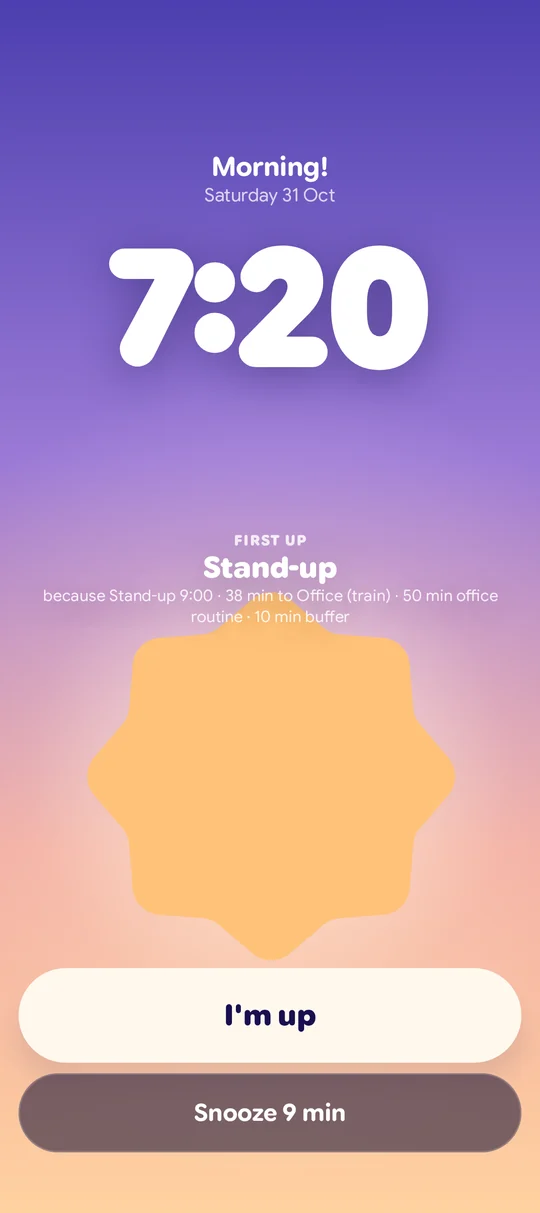
First Thing checks your alarm volume, Do Not Disturb and its own permissions the night before, and tells you with a Fix it button if your alarm won't ring. It sets alarms again after a restart before you unlock, vibrates even if the sound fails, and rings again if you don't answer.

Questions
Will my alarm ring if my phone is on silent?
Yes, on Android silent and vibrate mode don't mute alarms. The alarm has its own volume, so check that instead.
Will my alarm ring if my phone is switched off?
Usually not. A phone that's switched off can only ring if it has a power-on-for-alarms feature, and most current Android phones don't.
Why did my alarm go off late?
Usually the app lost its "Alarms & reminders" permission, or battery saving delayed it. Both checks are above.
Will my alarm ring in Do Not Disturb?
By default, yes. Alarms are allowed through unless the setting has been switched off.